
Working in front of a computer for extended periods can cause dry eyes, soreness, blurred vision, and headaches. However, it is not just screen time itself, but many seemingly harmless habits during work that also contribute to eye strain.
Placing the screen too close or too high
Many people tend to sit too close to the screen or position their computer at eye level. This forces the eyes to adjust more, increasing fatigue after many hours of work.
You should place the screen about 50-70 cm from your eyes (approximately an arm's length) and ensure the top edge of the screen is slightly below eye level. A slightly downward viewing angle helps relax the eyes and neck, reducing strain on the eye muscles.
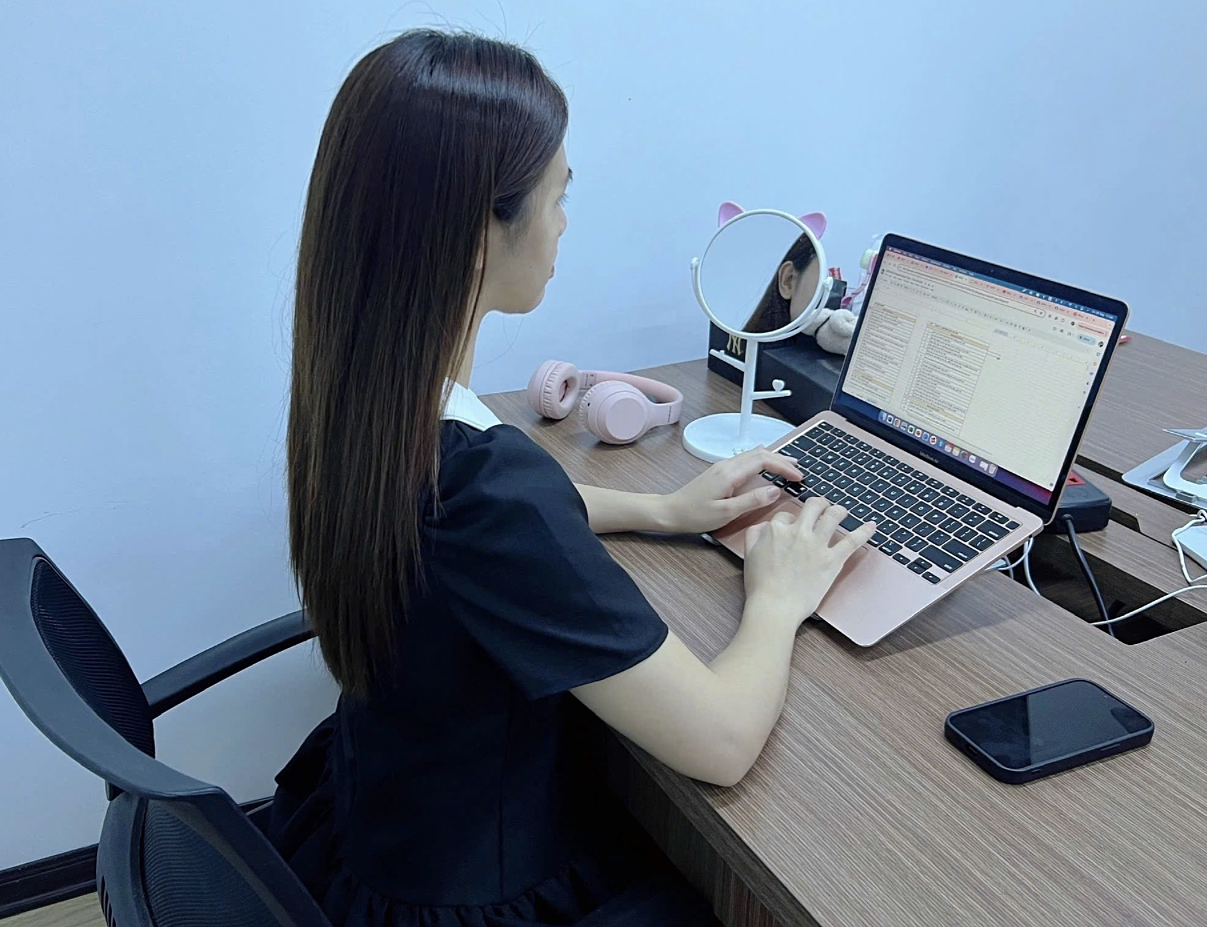 |
Placing the screen about 50-70 cm from the eyes helps reduce eye adjustment strain. Photo: Ngoc Pham |
Working continuously for many hours without breaks
A common cause of computer vision syndrome is looking at the screen for too long without resting your eyes.
Experts recommend applying the 20-20-20 rule: every 20 minutes of work, look at an object about 20 feet (about 6 m) away for at least 20 seconds. If you use a computer continuously for about two hours, take a 15-minute break away from the screen to allow your eyes to relax and readjust.
Allowing screen glare or excessive brightness
Light reflecting from windows or room lights onto an electronic device screen forces the eyes to constantly adjust to see content clearly, thereby increasing eye strain.
Arrange your computer workstation to avoid direct light, use curtains when necessary, and adjust screen brightness and contrast to match ambient light. If the text is too small, increase the font size instead of squinting to read.
Neglecting to blink
When focusing on reading documents or handling tasks, the blinking rate often decreases significantly. This causes tears to evaporate faster, leading to dry, burning, gritty, or watery eyes. Blink fully while working. If you frequently experience dry eyes, consult a doctor about using appropriate artificial tears.
Using incorrect prescription glasses while working
Wearing glasses with an outdated prescription or an uncorrected refractive error forces the eyes to adjust more to see the computer screen clearly, increasing the risk of headaches and eye strain.
If you frequently experience blurred vision, squint, or feel discomfort while working on a computer despite resting, get an eye exam to check your vision and adjust your glasses if needed.
Most cases of screen-related eye strain improve with simple changes: adjusting screen distance and position, taking regular eye breaks, blinking frequently, reducing glare, maintaining a sufficiently humid work environment, and having regular eye exams. These habits not only make your eyes more comfortable during the workday but also help protect your vision long-term.
By Bao Bao (Compiled)
| Readers can submit ophthalmology questions here for a doctor's answers. |